Commands & Aliases
The Commands & Aliases view lists command templates supplied by plugins and lets you create reusable aliases with prefilled configuration.
Commands
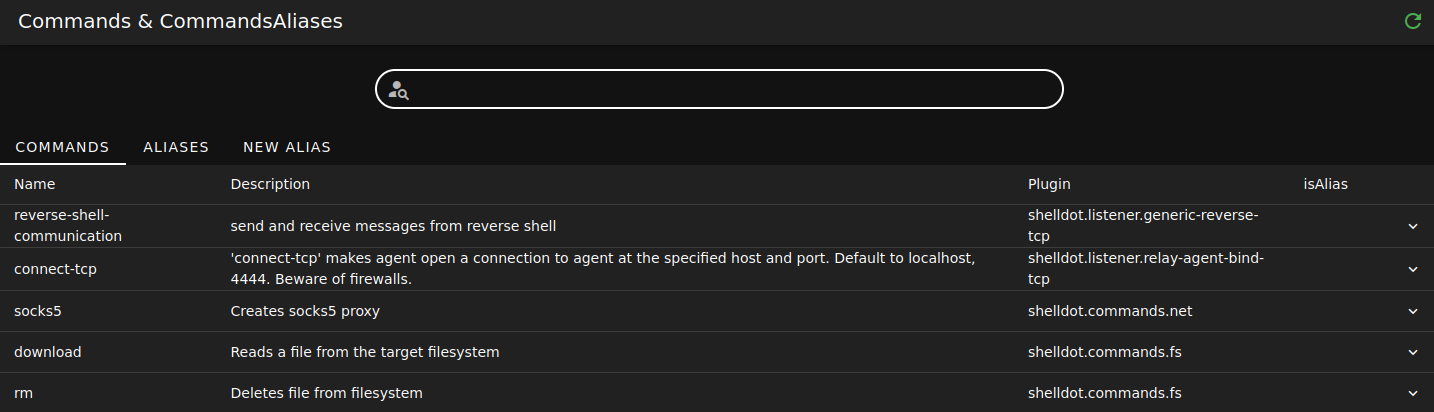
- Use the Commands tab to browse available command templates.
- Search filters the command list.
- Refresh reloads the command catalog from the server.
- The table shows command name, description, plugin, alias status, and supported execution unit types.
- Expand a command row to inspect its configuration fields before using it or building an alias from it.
Aliases
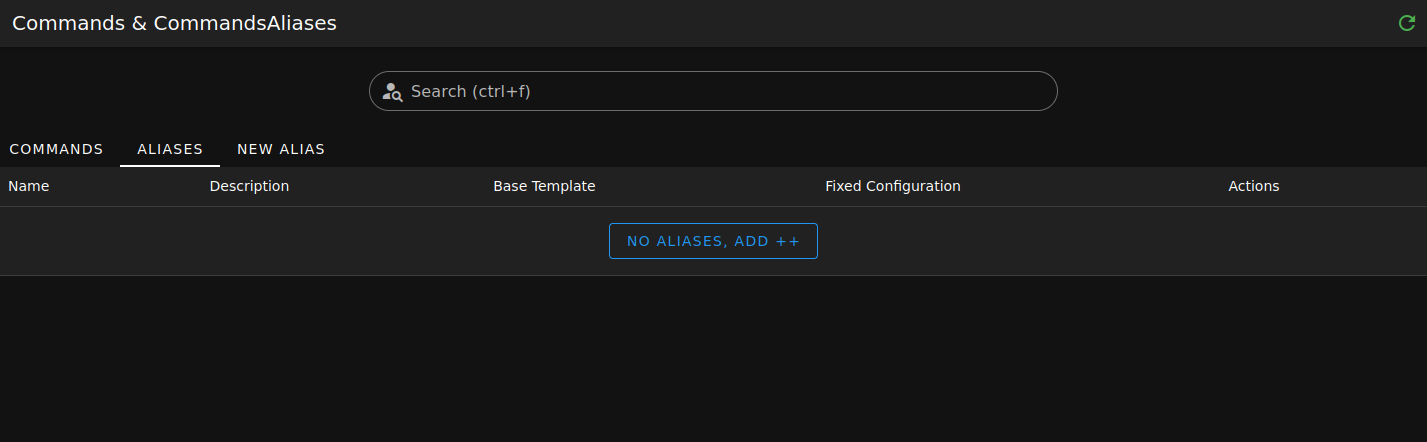
- Use the Aliases tab to view saved aliases.
- Search filters aliases by visible table values.
- Refresh reloads the alias list.
- When no aliases exist, use Add new alias to open the alias form.

- The alias table shows the alias name, description, base template, fixed configuration, and row actions.
- Use the row actions to edit or delete an alias.
New Alias
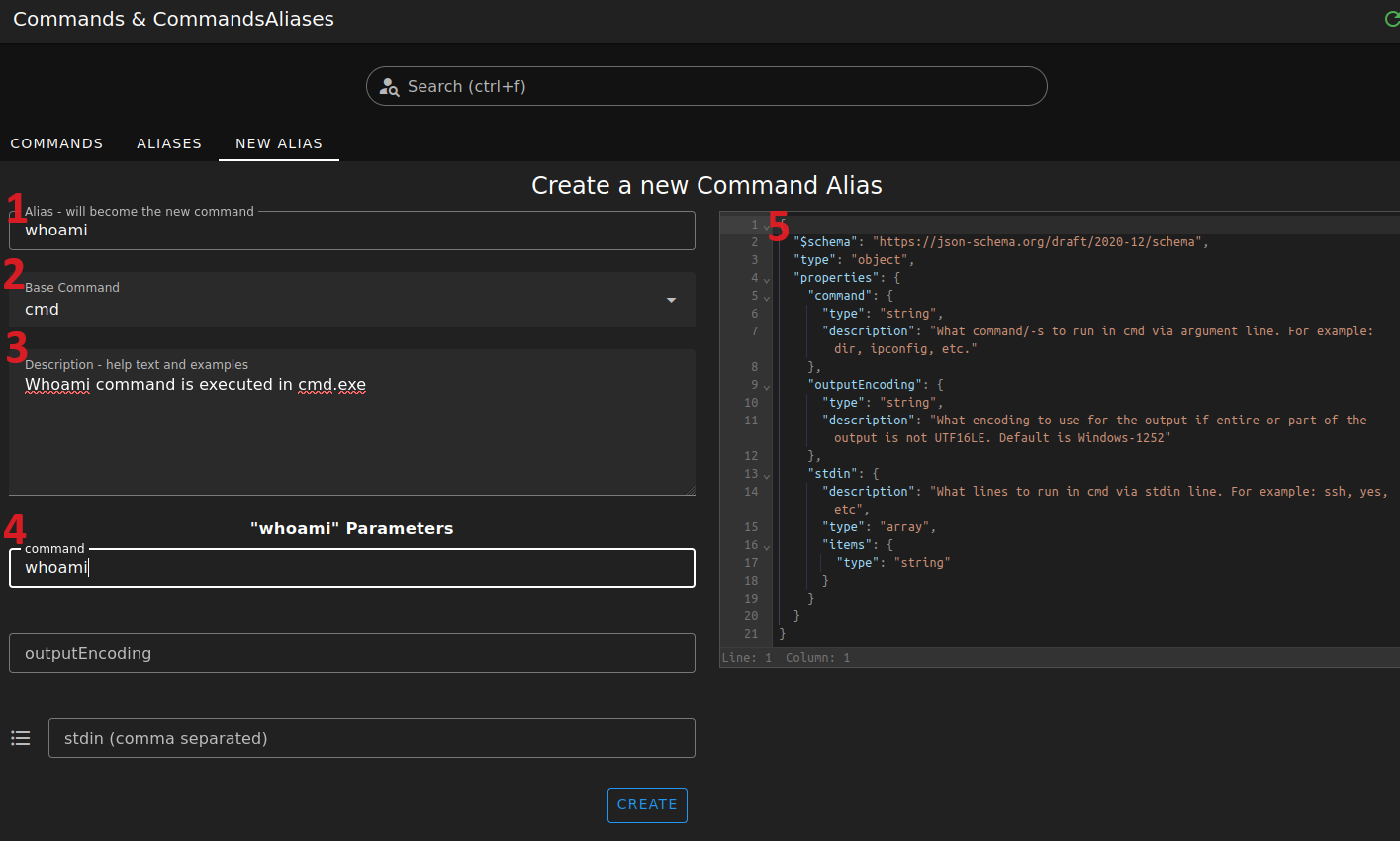
- Alias - enter the command name operators will type in the terminal.
- Base Command - choose the plugin command that the alias wraps.
- Description - add operator-facing help text for the alias.
- Configuration form - set default or fixed parameter values for the alias.
- Configuration schema - inspect the schema generated from the selected base command and alias settings.
Select Create to save the alias.